


HIPWRSHOP
3020 Plus Max CNC Engraving Machine
3020 Plus Max CNC Engraving Machine
Couldn't load pickup availability
tube is not included in the standard package, so pls check carefully
when you order, thanks in advance.
Product Description

Advantages
-
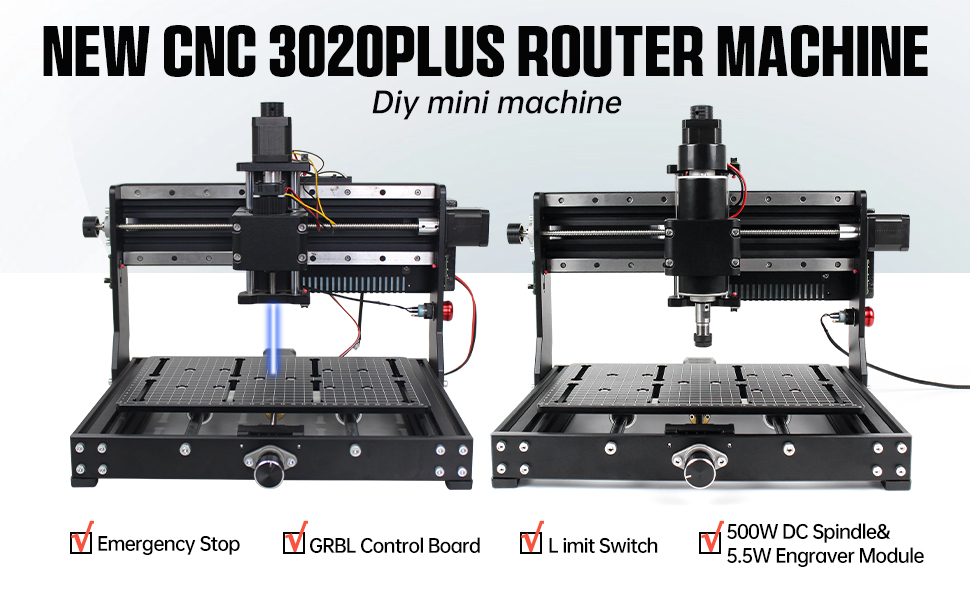
The body structure of this 3020 Plus CNC engraving machine is made of All-Metal(no plastic parts).
-
It is equipped with 12mm thick solid double-steel linear guide rail and bearing slide rail.
-
All-metal
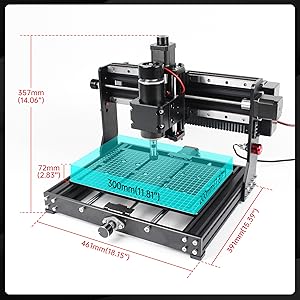
X-Z axis parts have a vertical stroke of up to 73mm,these designs
enable the machine to move faster,with 0.01mm high accuracy and
stability. -
The worktable has an accurate scale line,which is convenient to locate and measure the size of the engraving material.
-
The machine is equipped with an emergency stop and limit switches.
-
The
3020 Plus CNC router is equipped with 500W 48V 11000rpm spindle(with
E11 collet),which is more powerful and efficient,and can cut stainless
steel,aluminum and other metals. -
Small and practical, no problem for using on your desk.
-
Support Win XP, Win 7,Win 8, Win 10 system
-
Aluminum alloy material with fine workmanship show excellence in quality.
-
Very interesting to install and use, perfect gift for engraving DIY enthusiasts.
-
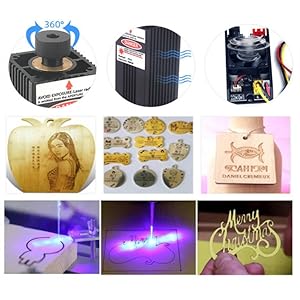
Wide application: can be used for print, hand tools and industrial processing.
|
|
|
|
Parameter
|
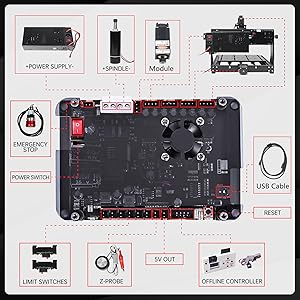
GRBL Control Board
|
GRBL offline control
|

|
|
|
|
|
|
|

|
|
|
|
|
|
|
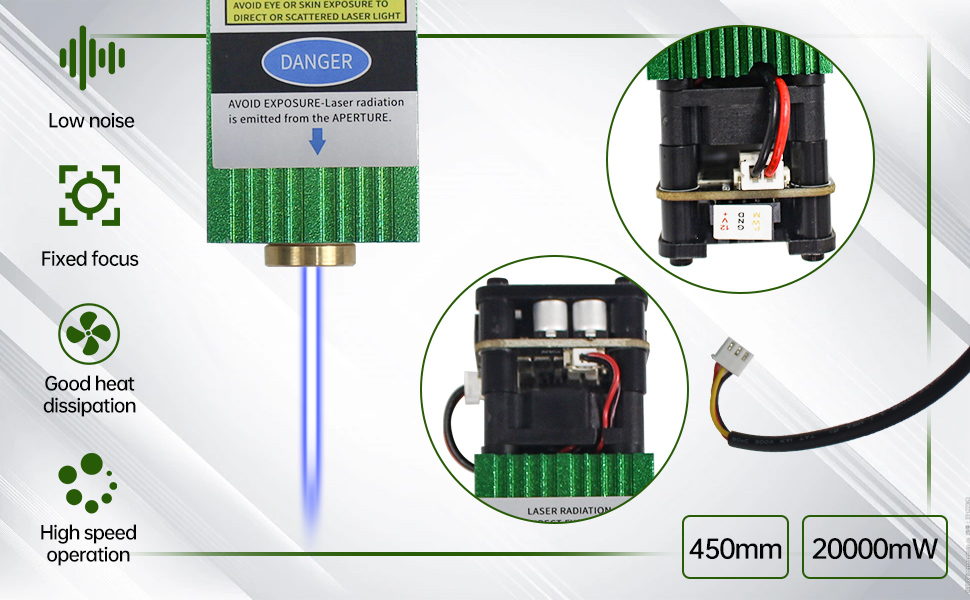
-
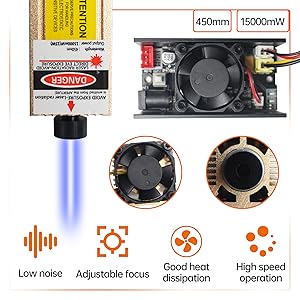
Wave length: 450±5nm
-
Output Power: 20W
-
Working voltage: 12V
-
Current: 3A
-
Working temperature: 10°-40°
-
Control: PWM control method
-
Light color: blue-violet light
-
Materials: Aluminum alloy + plastic
-
Pin: 3-pin (12V,GND,PWM)
-
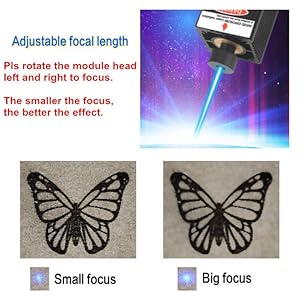
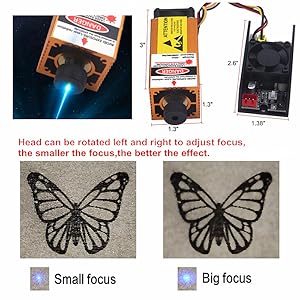
Focus: Adjustable
-
Weight: 211g
-
Size: 33x33x104mm
-
Cutting depth: 3-5mm
-
Engraving Accuracy: 0.02mm
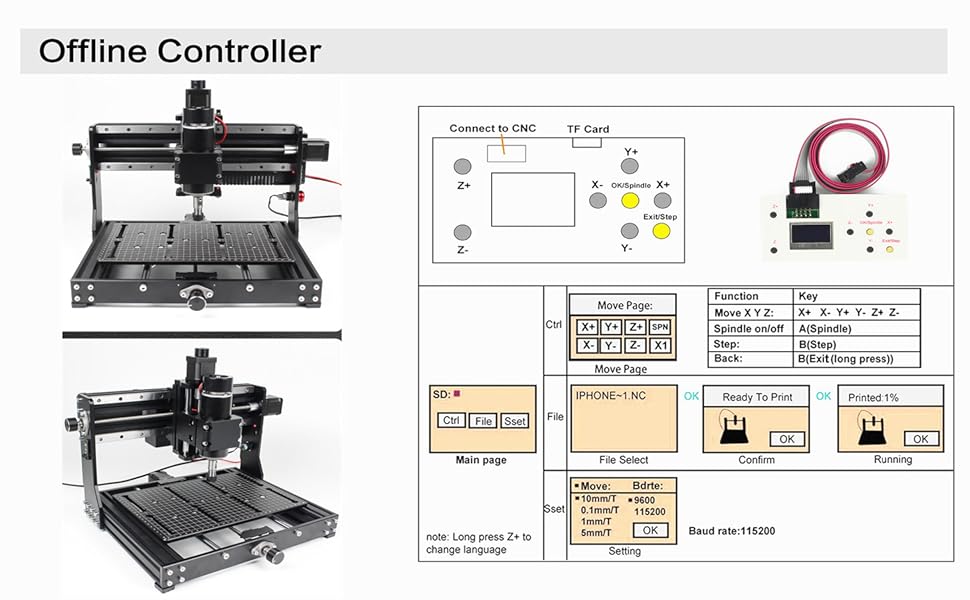
GRBL Offline Controller
Main Page
-
Ctrl: Machine Control; File: Use the Gcode file; Press [Y+] [Y-] to select; Press[Ok] to Enter
Control Page
-
X± Y± Z±: Moving Axis
-
OK/Spindle: Spindle ON/OFF
-
Exit/Step: Change Step/Exit (long press)
-
How
to increase the spindle power: After pressing the spindle button, press
and hold the OK button and the Z+ button simultaneously to increase the
speed. -
How
to decrease the spindle: After pressing the spindle button, press and
hold the OK button and the Z- button simultaneously to decrease the
speed.
File Page
-
Common supported formats include nc. tex. tap.
-
Press [Y+] [Y-] to select file
-
Press [Ok] to Enter
-
Press [Ok] to begin if you are ready
-
Note:Long press [Exit] to stop machining
|
|
|
|
Add limit switches
|
Add emergency stop switch
|
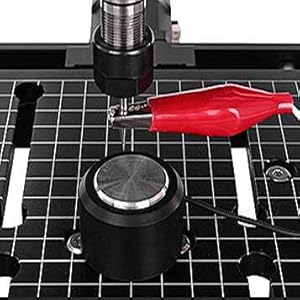
Add Z Axis probe
|
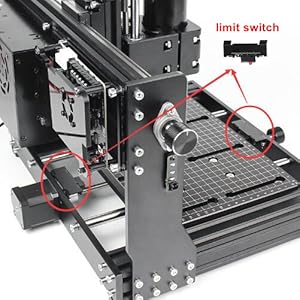
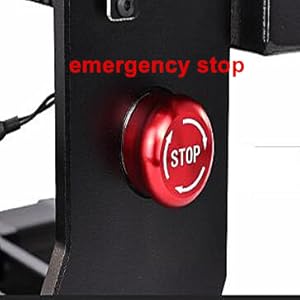
|
|
|
|
Applications
|
More applications
|
GRBL software
|


